


In the digital age, the search for valuable educational resources such as historical charts on Facebook has become a quest for many K12 educators. With the constant stream of information on social media, it’s easy to come across engaging historical charts through Facebook ads but challenging to find them again. This article delves into strategies for effective resource search, preservation, and sharing.

The Digital Dilemma of Educational Resource Discovery
Educators are constantly on the lookout for materials that can enhance the learning experience in the classroom. Facebook, with its vast user base and targeted advertising, often serves up interesting historical charts that could be valuable teaching tools. However, the transient nature of social media means these resources can quickly get lost in the digital clutter. For example, a teacher might see a detailed historical chart about ancient civilizations in a Facebook ad, but when they try to find it later, it’s nowhere to be seen. This digital dilemma calls for a more systematic approach to resource discovery.
Strategies for Finding Historical Charts on Facebook
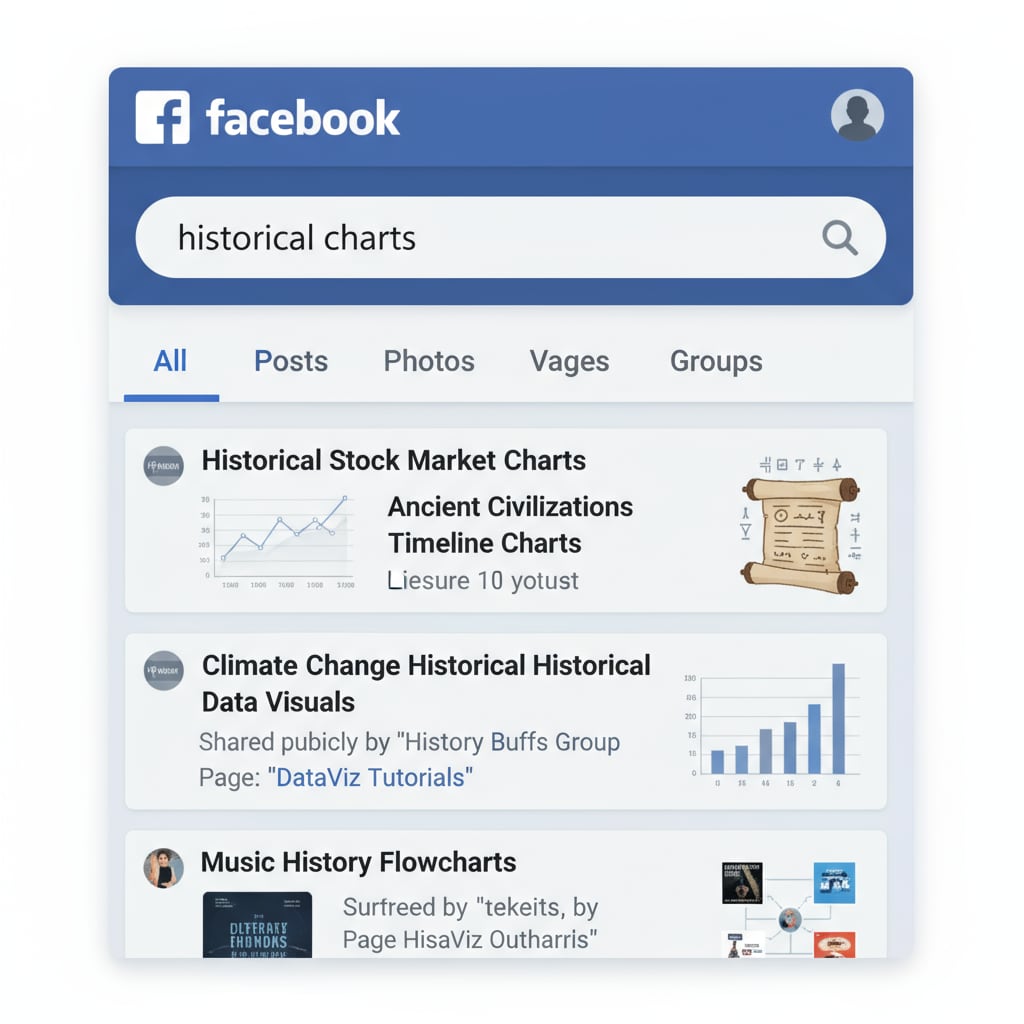
One effective strategy is to use the search function on Facebook. By entering relevant keywords like “historical charts,” “educational history graphics,” or specific historical topics, educators can narrow down their search. Additionally, following educational groups and pages dedicated to history can increase the chances of coming across such resources. Another approach is to utilize the “Saved” feature on Facebook. When an interesting historical chart is found, saving it immediately ensures it can be accessed later. For instance, if a teacher discovers a chart on the timeline of world wars, saving it allows them to retrieve it for future lessons. Using Facebook as an Educational Tool provides more insights into leveraging this platform for educational purposes.
Once historical charts are found, it’s crucial to save them for future use. Educators can download the images or save the links in a dedicated digital folder. Creating a shared Google Drive or Dropbox folder for educational resources can also be a great way to organize and access these materials. This not only helps in preserving the resources but also allows for easy sharing with colleagues. Moreover, sharing these resources within the educational community can enrich the overall learning environment. Teachers can collaborate and build on each other’s findings, creating a more comprehensive set of teaching materials. 10 Ways to Share Educational Resources Online offers useful tips on sharing educational content effectively.
Readability guidance: As seen above, we’ve used short paragraphs to convey key ideas. Each H2 section has a clear focus, and we’ve provided practical strategies. The use of examples and external links helps to support the points made. Transition words like “however,” “for example,” and “additionally” have been used to enhance the flow of the article.

